📘 Introduction
In dbt, models are SQL files that build on each other to form a clean, reusable data layer — but what truly makes dbt powerful is its use of modular SQL + Jinja templating. This combo lets you write dynamic, DRY (Don’t Repeat Yourself) code that scales beautifully.
In this module, you'll:
-
Learn how dbt models work
-
Create layered models using dependencies
-
Use Jinja templating to make your SQL smarter
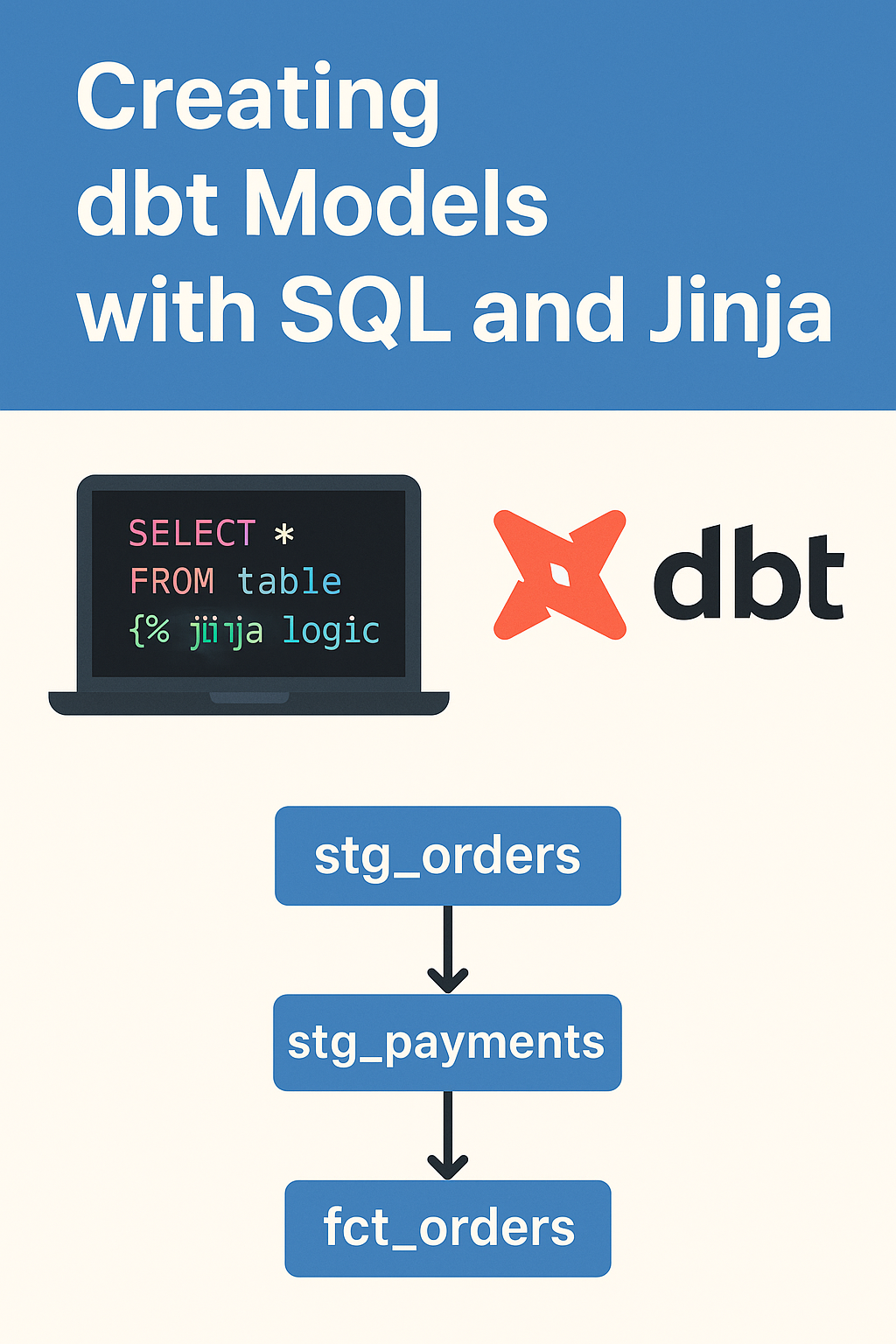
🧩 What Is a dbt Model?
A model in dbt is simply a .sql file stored in your models/ folder.
For example:
-- models/base/customers.sql
SELECT * FROM raw.customers
When you run dbt run, dbt executes the SQL and materializes it in your warehouse (as a table/view).
🧱 Creating Modular Models
Let's say you have raw data in raw.orders and raw.customers. You want to:
-
Clean the raw data
-
Join it into a final dataset
-
Build a KPI layer on top
Here's how to do it:
🔹 Step 1: Create a base model
📄 models/base/customers.sql
SELECT
id AS customer_id,
full_name,
country
FROM raw.customers
models/base/orders.sql
SELECT order_id, customer_id, order_date, total_amountFROM raw.orders
🔹 Step 2: Create an intermediate model (joins)
📄 models/intermediate/customer_orders.sql
SELECT
c.customer_id,
c.full_name,
o.order_id,
o.total_amount,
o.order_date
FROM {{ ref('customers') }} c
JOIN {{ ref('orders') }} o ON c.customer_id = o.customer_id
✅ {{ ref('model_name') }} is a Jinja function that builds dependencies and ensures models run in the right order.
🔹 Step 3: Create a final model (metrics)
📄 models/marts/total_sales_by_customer.sql
SELECT
customer_id,
COUNT(order_id) AS total_orders,
SUM(total_amount) AS total_spent
FROM {{ ref('customer_orders') }}
GROUP BY 1
🔄 Understanding Model Dependencies
dbt auto-generates a DAG (Directed Acyclic Graph) of model relationships when you run:
dbt docs generate && dbt docs serve
You’ll see how total_sales_by_customer depends on customer_orders, which depends on orders and customers.
🧠 What Is Jinja?
Jinja is a templating engine. dbt uses it to:
-
Reference models ({{ ref() }})
-
Use variables and conditionals
-
Create reusable SQL macros
Example: Conditional logic
{% if target.name == 'dev' %}
SELECT * FROM raw.customers LIMIT 10
{% else %}
SELECT * FROM raw.customers
{% endif %}
💡 Pro Tips
-
Use folder names like base/, intermediate/, marts/ to organize models
-
Always use ref() instead of hardcoding table names
-
Add descriptions in dbt_project.yml to document models
📌 What’s Next?
📍 Next Module: Sources, Seeds, and Snapshots – Managing Your Raw Data